Fixing exports, adding statistics, and closing the testing gap

The export returned true. The app showed “Export complete.” But the file didn’t exist.
That’s worse than a crash. A crash is loud — you know something broke. A silent success that does nothing leaves users thinking the feature works while they have nothing to show for it.
I found three of these bugs in Activity Trace. Here’s how I fixed them, plus the statistics screen rewrite and database migration that came along for the ride.
How exports were silently failing
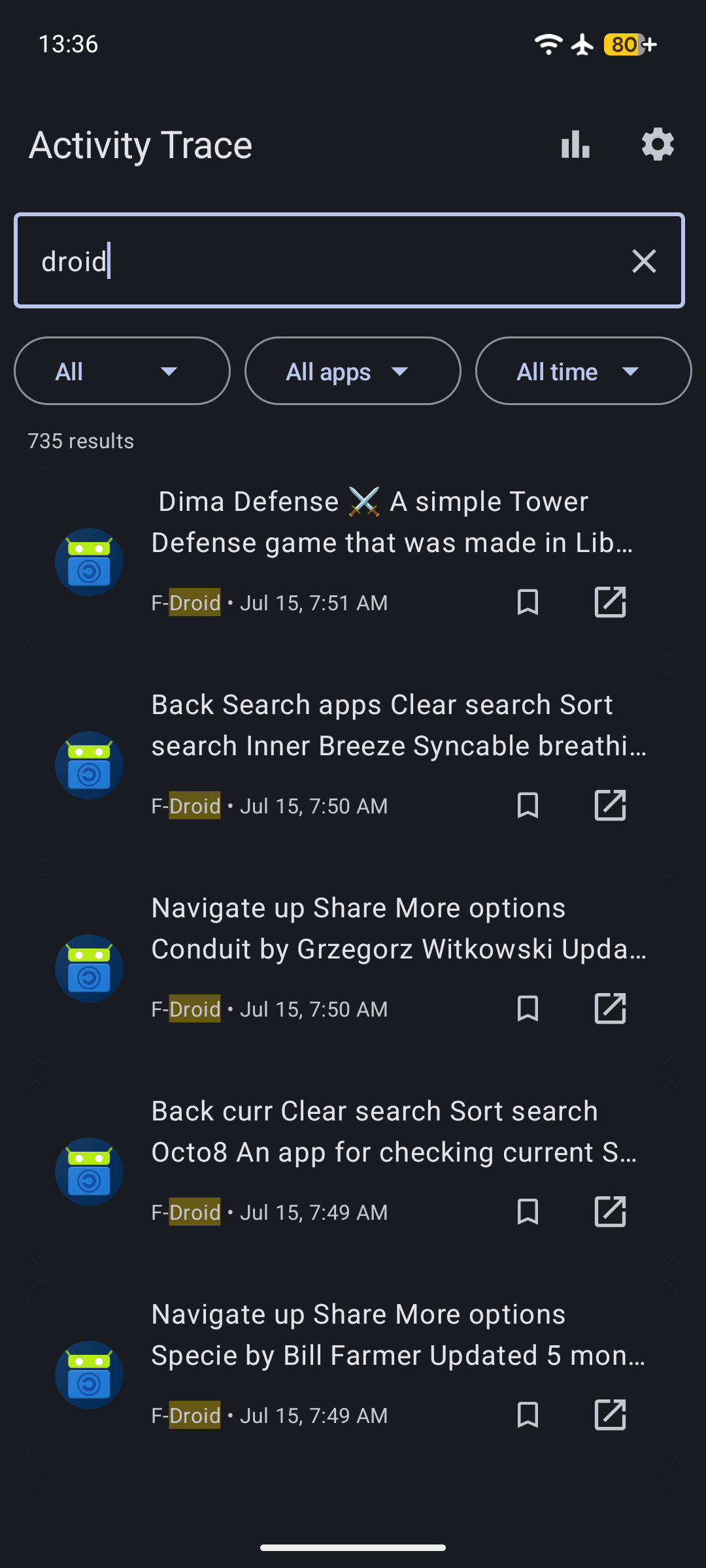
Activity Trace lets you export captured clipboard content as JSON, CSV, or a plain SQLite database. The code used Boolean as the return type — true for success, false for failure. Simple.
But the gap between “the function returned” and “the file exists” was wide enough to drive a truck through.
Bug 1: Null output stream
MediaStore on API 29+ works by inserting a content URI, then opening an output stream on it. If openOutputStream returns null — which happens when another app has a lock on the file or the content resolver rejects the URI — the old code just returned false without writing anything. But the calling code checked if (!writeToDownloads(...)) and threw if false. If openOutputStream returned null, writeContent got a null stream, returned false, and the caller threw. So this was caught — but only on the code path that checked the return value.
The real problem was the database export path. It didn’t check the return value at all. It used the same pattern but ignored the result, making it a silent no-op.
Bug 2: Stale temp files
DatabaseExporter.exportToPlainSqlite creates a temporary SQLite file, attaches it to the encrypted Room database, and runs sqlcipher_export to copy data into it. If a previous export crashed, the temp file survived with its schema intact. The next run would try to ATTACH DATABASE to the existing file, find it already has a captured_items table, and fail with “table captured_items already exists”.
The fix was a single line: outputFile.delete() before opening the new database. Plus a finally block to clean up after ourselves.
Bug 3: No diagnostic logging
When the export did fail, the user saw “Export failed” with no way to figure out why. I added ExportErrorLogger — a utility that writes the full stack trace to Download/ActivityTrace/export_error_<timestamp>.log using MediaStore (API 29+) or the legacy file API, with a fallback chain all the way down to filesDir/ActivityTrace/.
Along with that I replaced the Boolean return type with a sealed class:
sealed class ExportStatus {
    data class Success(val message: String) : ExportStatus()
    data class Error(val message: String) : ExportStatus()
    data class Progress(val message: String) : ExportStatus()
    data class Cancelled(val message: String = "") : ExportStatus()
}
Now every caller must handle all four cases. No more “returned true but did nothing.”
Database migration for system app blocking
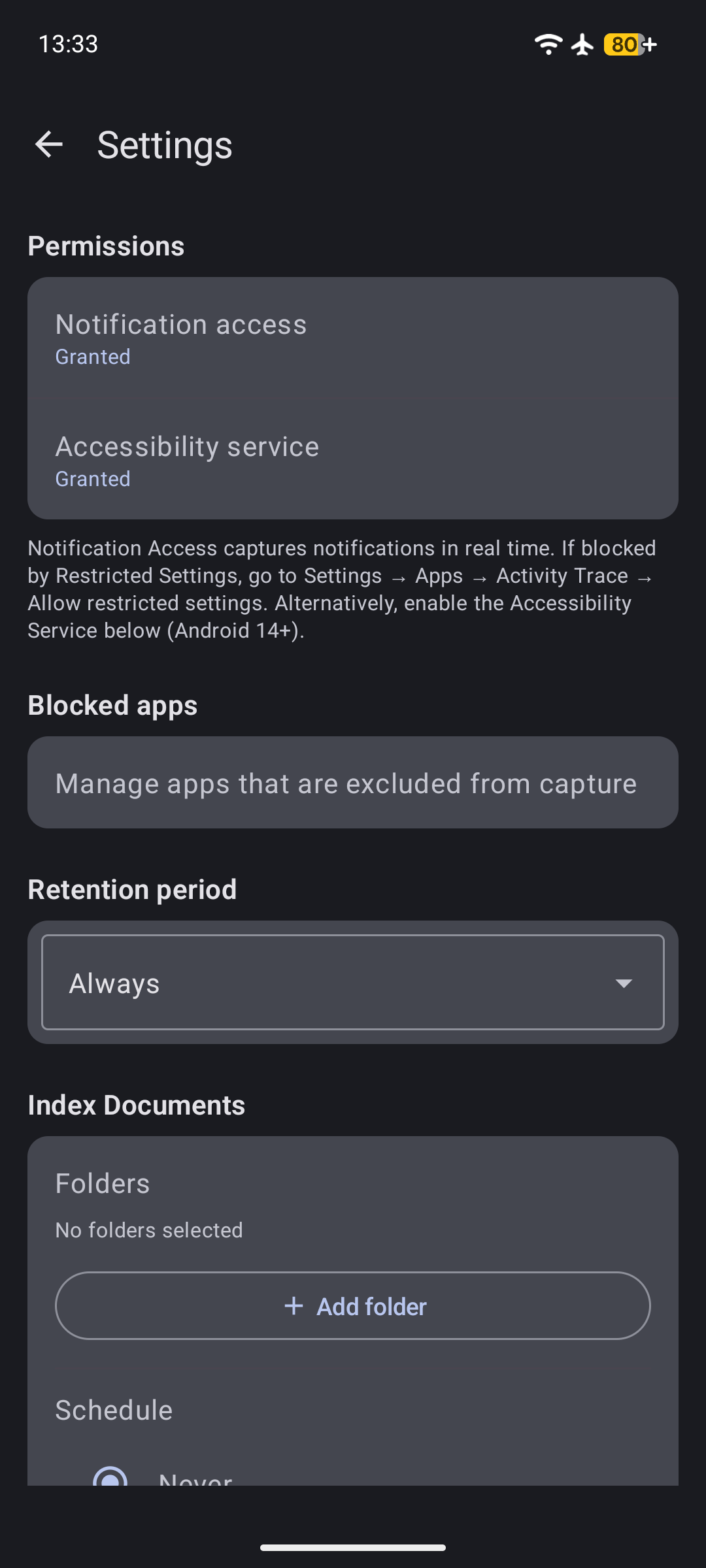
Activity Trace lets you block certain apps from being captured. By default, system apps like the keyboard, launcher, and settings should be blocked so they don’t clutter your history.
The list lived in CaptureIngestor.kt as DEFAULT_BLOCKED. But when the database needed to seed these defaults on first run, it created a circular dependency — the database module shouldn’t know about the capture module.
I extracted the constant to a standalone file:
// BlockedAppDefaults.kt
internal val DEFAULT_BLOCKED = setOf(
    "com.android.inputmethod.latin",
    "com.android.systemui",
    "com.google.android.apps.nexuslauncher",
    // ... 4 more
)
Then bumped the database version to 6 and wrote a migration. Here’s where it got tricky.
Room migrations with SQLCipher run through SupportSQLiteDatabase, which is a wrapper around the encrypted database. The execSQL method does not support ? bind arguments. I spent an hour wondering why execSQL("INSERT INTO blocked_apps(app_package) VALUES(?)", arrayOf("com.android.inputmethod.latin")) wasn’t working. It just silently inserted nothing.
The fix: inline the values as string interpolation. Ugly, but it works:
fun seedDefaultBlocked(db: SupportSQLiteDatabase) {
    for (pkg in DEFAULT_BLOCKED) {
        db.execSQL("INSERT OR IGNORE INTO blocked_apps(app_package) VALUES('$pkg')")
    }
}
The migration and the RoomDatabase.Callback.onCreate both call the same function, so fresh installs and upgrades behave the same way.
Unifying the statistics screen
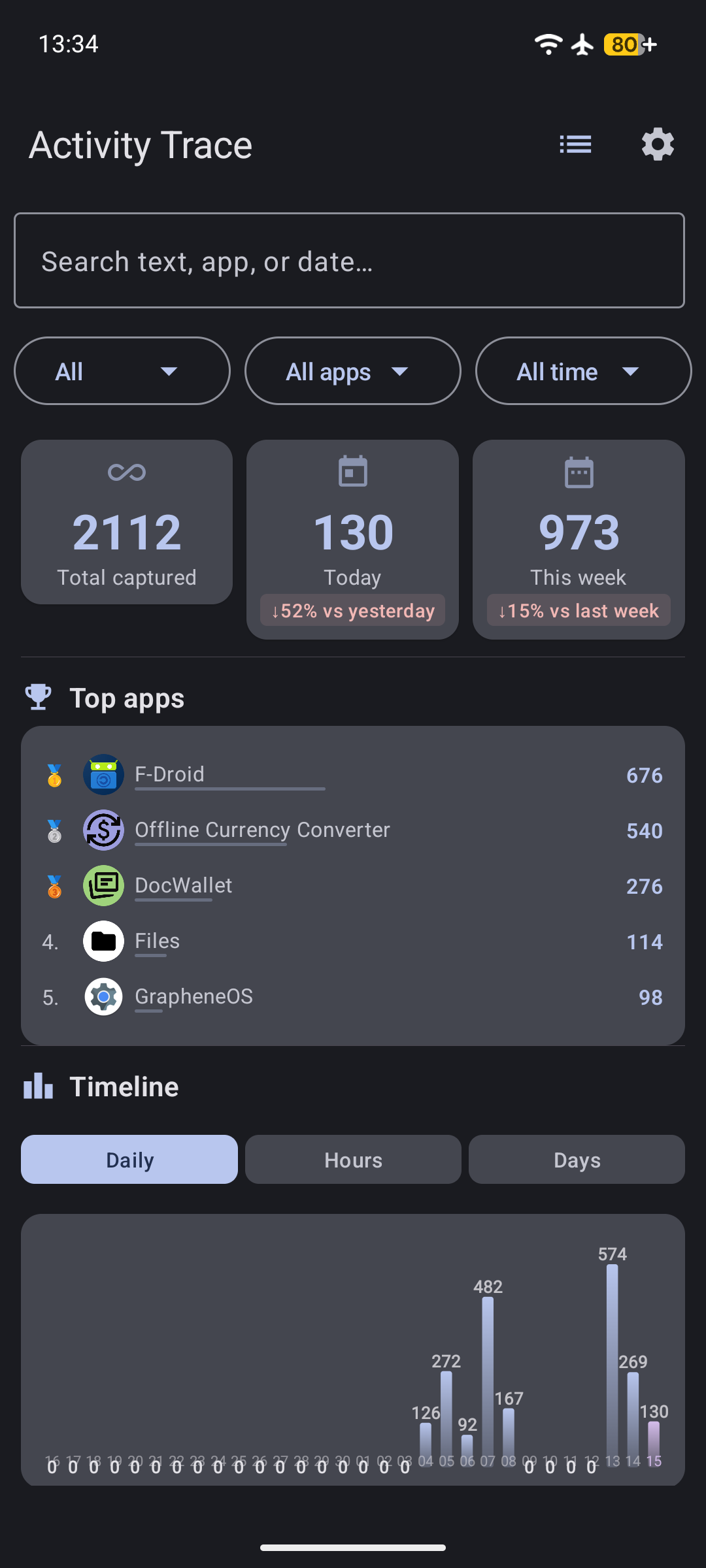
The statistics screen had two layouts depending on whether you selected a single app or viewed all apps. If you selected one app, it showed a different set of charts below the summary cards. Switching between tabs would change the chart height, causing a visual jump as content shifted around.
I removed the conditional layout entirely. Now every view shows:
SummaryCards → Top apps → Timeline → Content type breakdown
No matter what filter you apply, the structure stays the same. The charts all use a unified 160dp height, so switching between the Daily, Hourly, and Day-of-week tabs doesn’t move anything.
While I was in there, I fixed an overlapping label issue in DailyChart. When a bar is short (fewer than 32 pixels), the count label drew on top of the date label below it. The fix: draw the count label inside the bar when the bar height is too small — otherwise it switches to the default position above the bar.
val textY = if (barHeight <= 32f) barTop + barHeight - 4f else barTop - 8f
Tests that caught real bugs
The export bugs were all in untested code paths. I added 14 new tests across 5 test files to cover them:
- BlockedAppDefaultsTest — Verify all 7 default packages are present
- ExportStatusTest — Exhaustive
whencoverage on the sealed class - ExportErrorLoggerTest — Log file content, cause chain, null message handling
- DatabaseExporterTest — Query failure, execSQL failure, stale file replacement
- ActivityTraceDatabaseMigrationTest — MIGRATION_5_6 seeds 7 packages without duplicates
Plus a Compose UI smoke test for the statistics screen (5 instrumented tests) and an extended SettingsScreenTest that runs a full CSV→SQLite import roundtrip.
The roundtrip test immediately caught a bug I would have shipped: the CSV export used "text/csv; charset=utf-8" as the MIME type. MediaStore on Android 16 (API 36) rejects MIME types with RFC parameters. The insert returned null, the export failed, and the test turned red. Fixed by changing it to plain "text/csv".
The takeaway
Three things I’ll do differently going forward:
-
Never use
Booleanas a return type for I/O operations. A sealed class with descriptive variants forces callers to handle failure, and gives users a meaningful error message when something breaks. -
Always clean up temp files. If your function creates a file, delete it when you’re done — and delete it before you start if it already exists. Stale state from a previous run is a debugging nightmare.
-
Test the unhappy paths. The export code had been in production for months. Every code path that succeeded was tested by — well, succeeding. Every code path that failed was invisible. Write a test that makes the database throw, makes the output stream return null, makes the temp file already exist. Those tests are worth more than ten “insert item then read it back” tests.
The app is on F-Droid. If you want to try it, grab the latest build. All the fixes from this session are in v0.8.0.