I Added Charts, a Widget, and Favorites

Offline Currency Converter started as a minimal tool: open it, pick two currencies, type a number, get a conversion. That’s it. No accounts, no ads, no internet required.
After launching on F-Droid, the feature requests started coming in. Favorites so you don’t have to search for the same currencies every time. A chart to see how rates have moved. A widget so you don’t even have to open the app.
I built all three. Here’s what changed in v0.4.0.
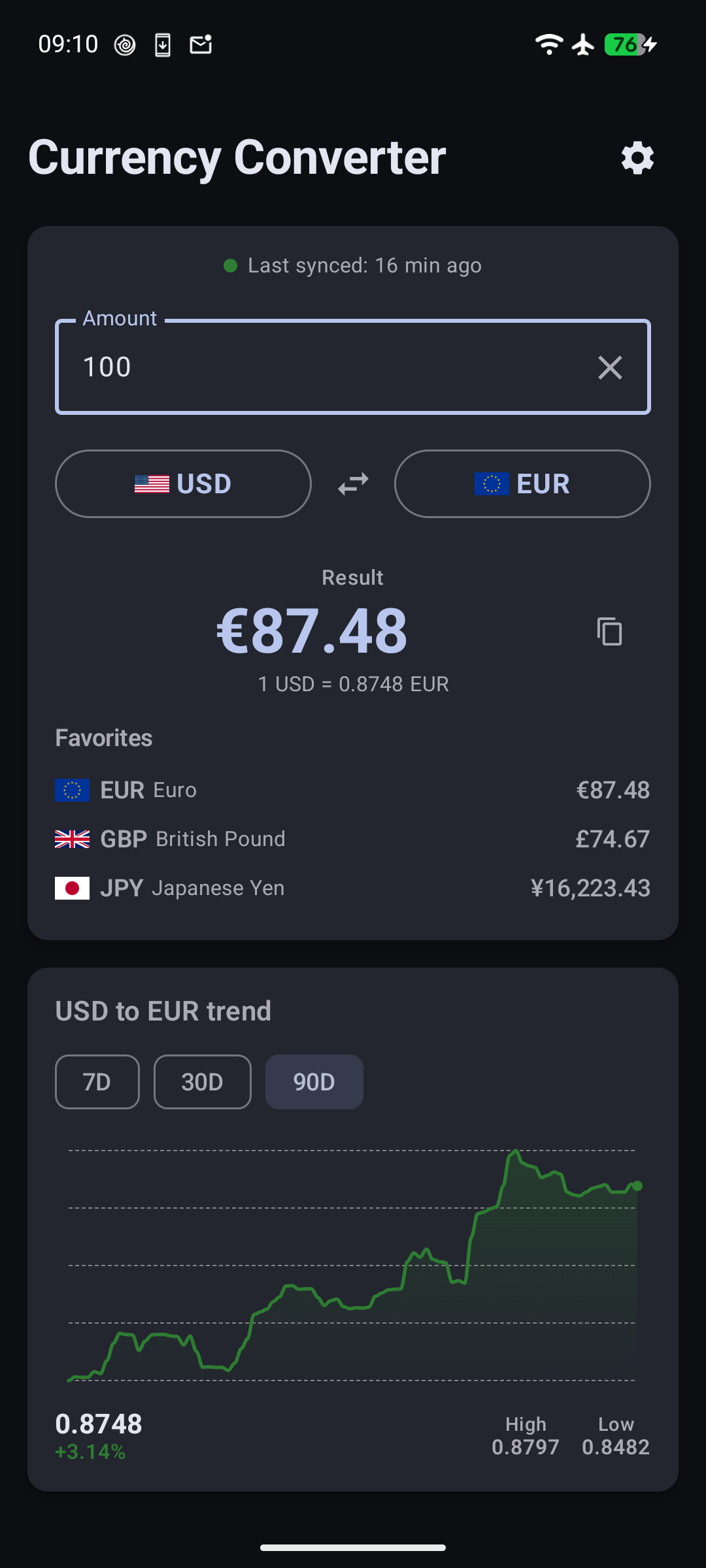
Favorites and multi-currency view
The most common request was obvious: “I use USD and EUR every day. Why do I have to scroll through 160 currencies every time?”
Now you can star any currency as a favorite. The Convert screen shows your favorites as chips below the input — tap one to convert directly to it, or see all your favorites at once with amounts filled in. No more scrolling.
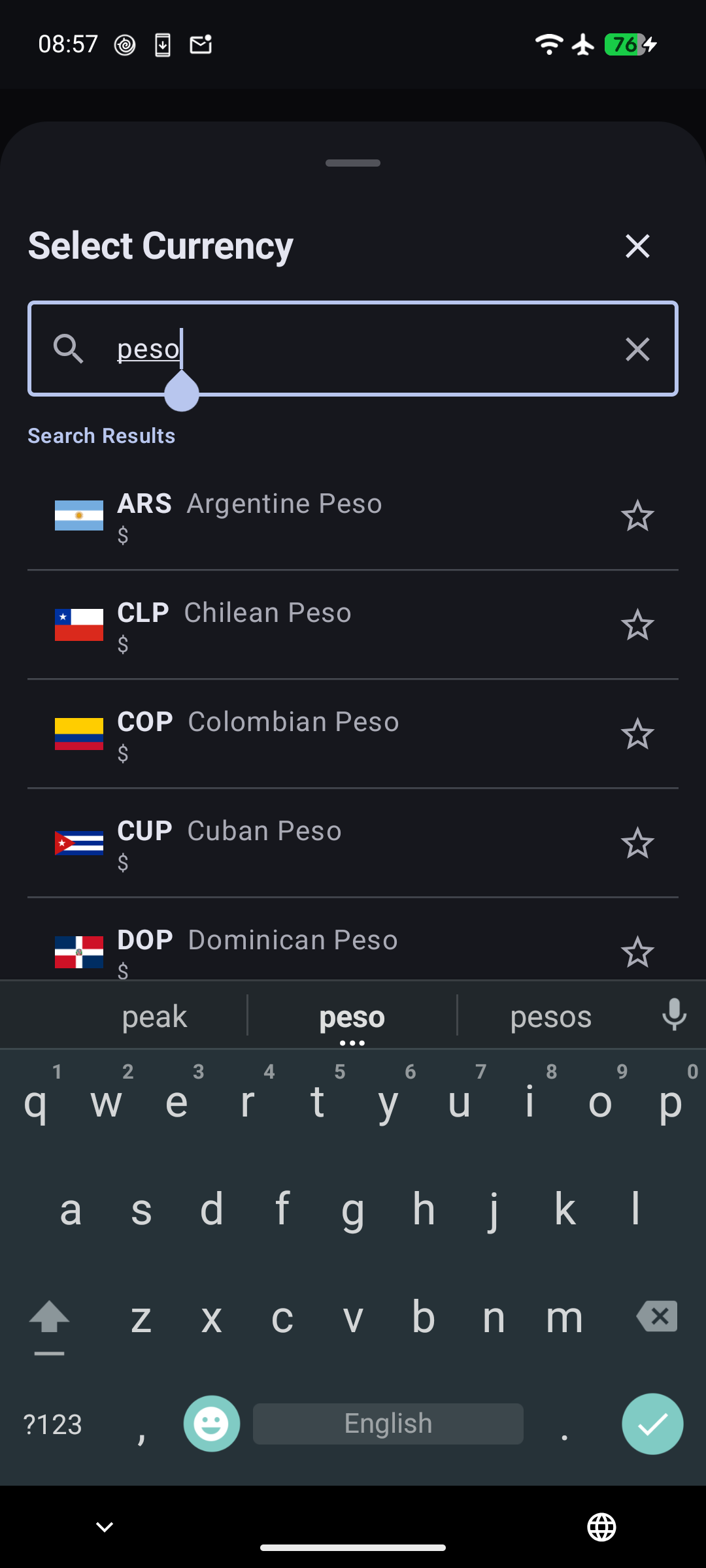
New installs get a sensible default set: USD, EUR, GBP, JPY, and CNY. You can add or remove favorites in Settings. It’s a small change, but it makes the daily-use experience dramatically better.
Building charts with pure Compose Canvas
I wanted rate trend charts, but I didn’t want to pull in a charting library. The app is 3 MB. A charting library would double that. And the charts I need are simple: a line, some shading, a few grid lines.
So I built it with Compose Canvas. The entire chart is about 200 lines of code.
The line uses cubic Bézier curves instead of straight segments — it looks smooth even when rates barely move day to day. Below the line, a vertical gradient fades from the trend color to transparent. The grid uses dashed lines so they don’t compete with the data. And the whole thing changes color based on whether the rate went up or down over the selected period.
The chart fetches 90 days of data from the Frankfurter API and stores it locally. You can filter to 7, 30, or 90 days with tab buttons — the filtering happens client-side, no extra network requests. The selected range persists across app restarts.
Long-press anywhere on the chart and a crosshair appears with the exact date and rate. It’s the kind of interaction that feels obvious once it’s there, but getting the touch detection right on a Canvas composable took some iteration. The gesture detection has to distinguish between a tap (scroll the page) and a long press (show the tooltip), which means tracking pointer events manually instead of relying on Compose’s built-in combinedClickable.
Below the chart, a summary row shows the current rate, the percentage change, and the high/low for the selected period. It gives you the numbers without making you interpret the curve.
A home screen widget
The widget was the hardest part — not because widgets are complex, but because Material You made it interesting.
On Android 12 and above, the widget uses your system’s dynamic color palette. Pick a blue theme, the widget card is blue. Pick green, it’s green. On older devices, it falls back to a teal that matches the app’s branding.
The widget shows a single line: “1 USD = 0.92 EUR”. That’s it. Minimal, glanceable, useful.
The tricky part is computing the rate. The app stores rates relative to EUR — so to show “1 USD = 148.50 JPY”, the widget has to look up USD→EUR and EUR→JPY, then divide. This cross-rate computation had to be fast (it runs on every widget update) and correct for all 160+ currency pairs.
The widget also updates automatically when you change currencies in the app or after a background sync. No manual refresh needed.
Smarter sync behavior
The old approach synced exchange rates every time you opened the app. It worked, but it was wasteful — if you open the app 20 times a day, that’s 20 API calls to get the same rates.
The new approach syncs only on first install and when the app updates. Between versions, the rates you synced last time are good enough. If you want fresh rates, there’s a manual sync button. Pull-to-refresh always works too.
It’s a small change that saves battery and data, and it fits the app’s philosophy: work offline first, sync when it matters.
Everything else
A few other changes worth mentioning:
- Amount persistence — type “100”, close the app, come back tomorrow. It still says 100. The default is 1 if you haven’t typed anything.
- Copy button — tap to copy the converted amount to your clipboard. Useful when you’re sending a price to someone.
- Sync status badge — a small colored indicator shows how fresh your rates are. Green for recent, yellow for aging, red for stale.
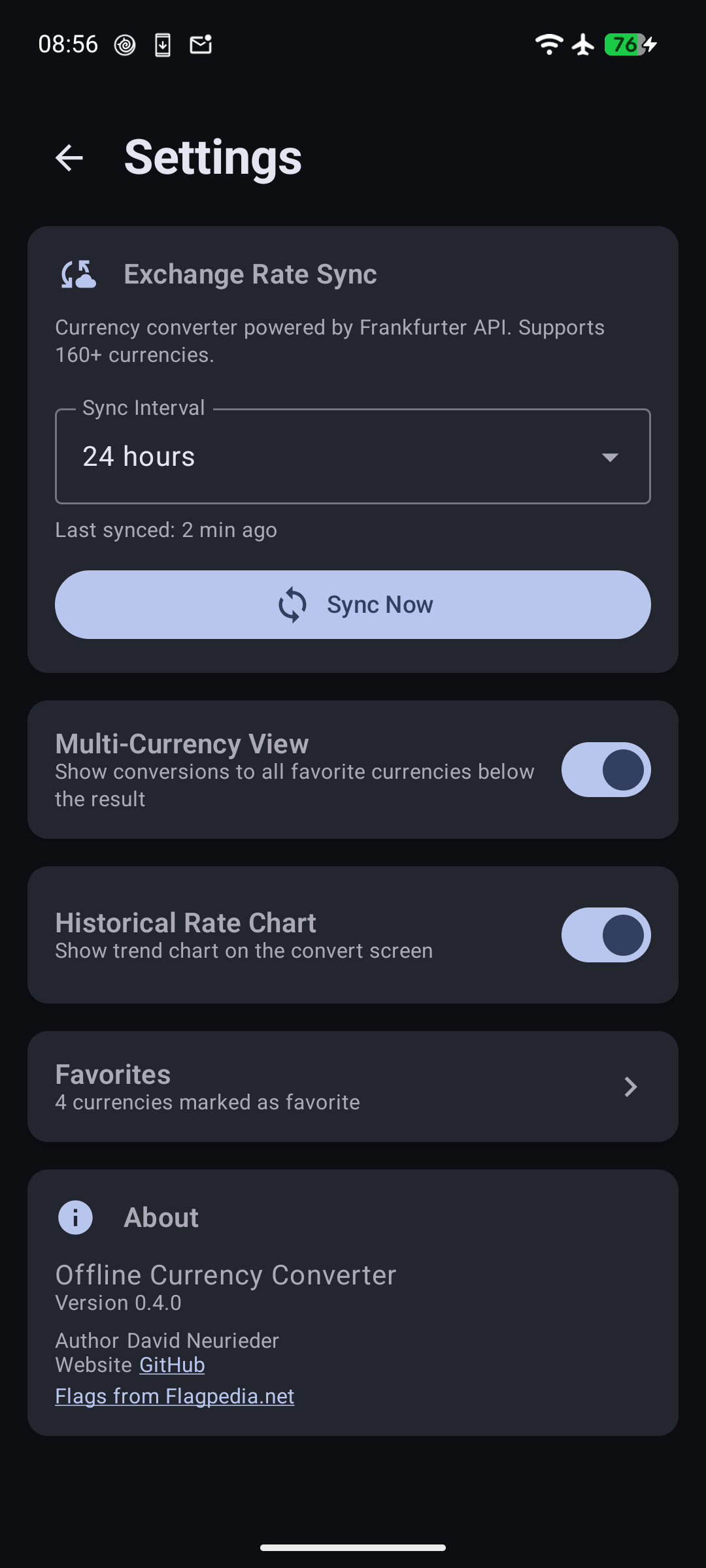
- Settings navigation — Settings is now accessed via a gear icon in the header instead of a bottom nav bar. One less thing on screen.
Try it
If you’ve been using the app, update and let me know what you think. If you haven’t tried it yet, it’s free, open source, and works without internet.
Source: github.com/DavidNeurieder/offline-currency-converter (AGPL-3.0)
